Safaricom clarifies My OneApp restrictions in countries without roaming partner
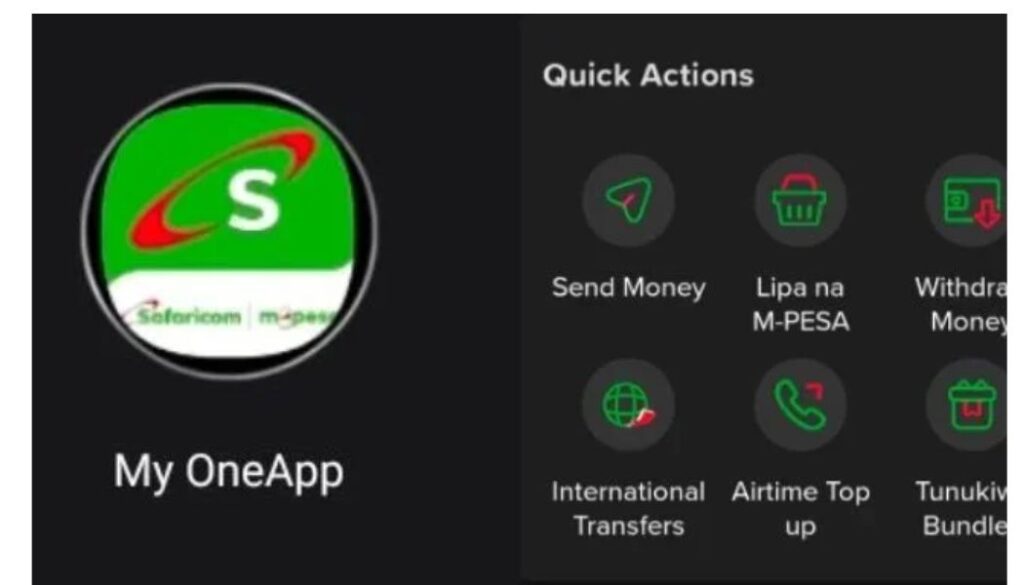
Safaricom has clarified why some customers are unable to access the My OneApp while in certain foreign countries.
Safaricom has clarified why some customers are unable to access the My OneApp while in certain foreign countries.
In a brief statement on Thursday, April 16, the telco explained that the restrictions apply to users in locations where it does not have a roaming partnership.
“If you’re in a country without a Safaricom roaming partner, access to the M-PESA App may be restricted for security reasons,” the statement read.
Safaricom further advised affected users on alternative ways to access services and what to do once they move to supported regions.
“Kindly use *334# where available, or log back in once you’re in a supported roaming location. Sorry for the inconvenience,” the statement added.
This comes a week after Safaricom responded to concerns from Kenyans living abroad following a recent update to the My OneApp that left many users locked out of their accounts.
GSU officers to undergo fresh training to curb protests and goon threats; CS Murkomen
EPRA revises April-May fuel prices after public uproar
Gachagua names President Ruto, top officials in fuel scandal
Ruto addresses fuel price increase in the country
Senator Sifuna blasts Ruto, ODM ‘expert’ over fuel prices
Diaspora users of M-PESA reported being automatically logged out after the update, with difficulties logging back in while outside Kenya.
“You have logged out all of us and the only way to login again is to have the Safaricom network connected, which doesn’t work on roaming. Now tell me, what do you want me to do with the money in my M-PESA? Huge disappointment,” one user said.
In response, Safaricom explained that users abroad can still regain access to their accounts by following specific steps during the login process.
The company stated that the issue can be resolved by ensuring the Safaricom SIM card is correctly set up and used during the initial login attempt.
“To log back into My OneApp while abroad, ensure your Safaricom SIM is inserted as primary, roaming is active, and use mobile data (not Wi-Fi) for the first login. You can switch to Wi-Fi after,” Safaricom explained.
Moi University faces auction over Ksh1 billion court battle
Parliament recommends lifting all suspensions on Mediheal Hospital except organ transplant licences
IG Kanja recalls Ishiara OCS after two shot dead during Embu protests
Siaya MCAs move to impeach Governor Orengo
Prominent historian and archivist Dr. Maina David Kagombe dies
Follow us